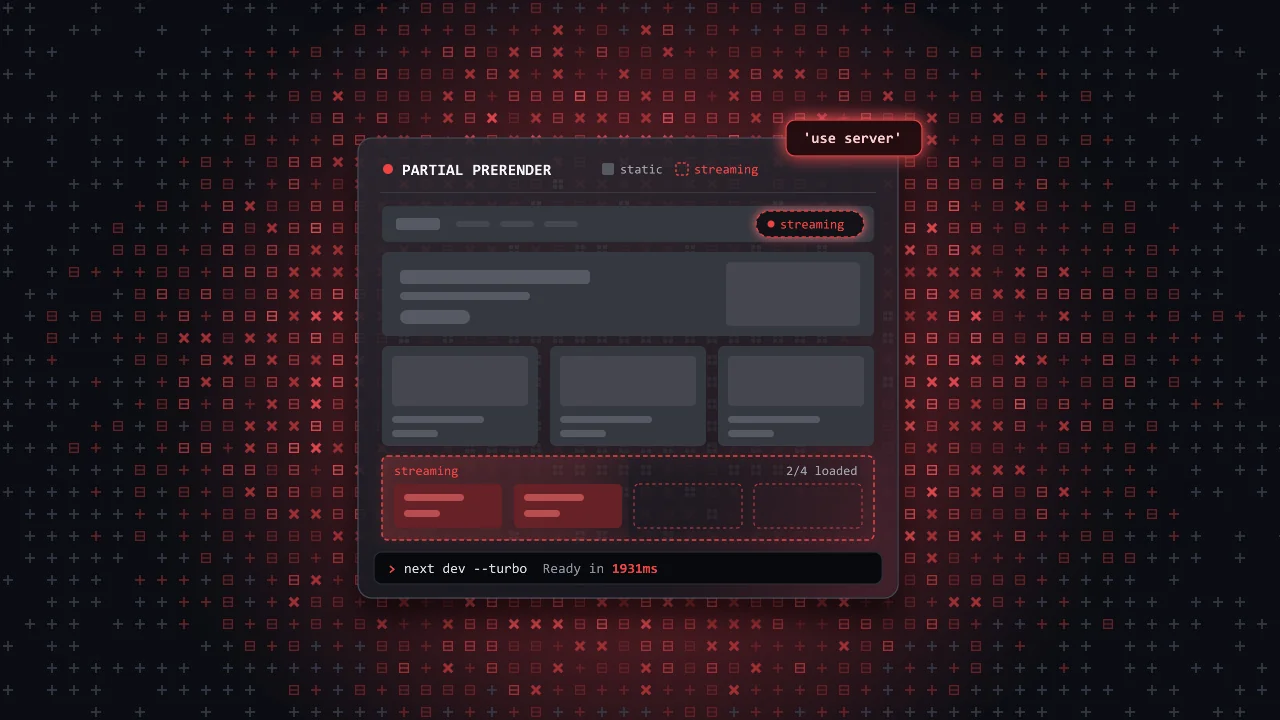
Next.js 14 came out in October 2023 with three things worth knowing: Turbopack, a faster bundler for the dev server; Server Actions, which let a form call a server function without an API route; and Partial Prerendering, which lets one page be part static and part dynamic. For each one you get what it does, why it exists, and code that works.
I came to version 14 after a break. The last version I had used was Next.js 12, so the speed of the dev server was the first thing I noticed, and that is where this post starts.
Turbopack: a faster bundler
A bundler takes your many source files and turns them into the few files a browser can load. Next.js used webpack for this. Every time you save a file, the bundler rebuilds what changed and Fast Refresh swaps the new code into the open page without losing its state.
Turbopack is a new bundler written in Rust. It remembers the result of every step it has done, so after a change it redoes only the work that the change touches. In development this matters twice: when the server starts, and on every save.
What I measured
This is one cold start on my machine, for a small app with about 20 components, on Next.js 14.1.0. It is one run, not a benchmark.
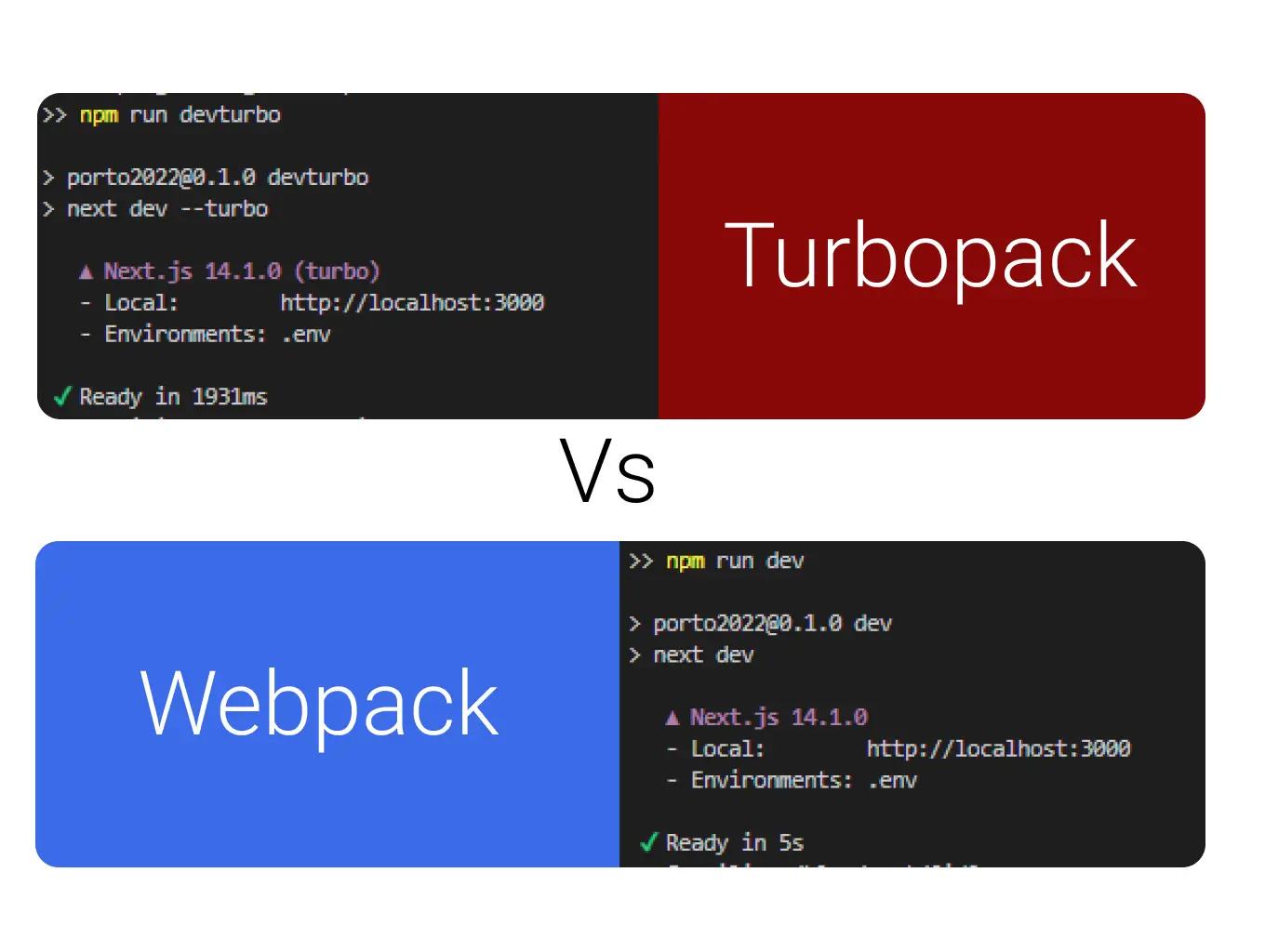
The official numbers come from the Next.js team, measured on vercel.com, a large Next.js app: up to 53.3% faster local server start and up to 94.7% faster code updates with Fast Refresh. At the time, 5,000 integration tests for next dev passed with Turbopack, about 90% of the suite. The source is the Next.js 14 release post.
Try it
In Next.js 14, Turbopack is opt-in with the --turbo flag. I kept both scripts, so I could switch:
{ "scripts": { "dev": "next dev", "dev:turbo": "next dev --turbo" }}Server Actions: forms without an API route
Before Server Actions, a form that saves data needed two files. First, an API route that runs on the server:
import type { NextApiRequest, NextApiResponse } from 'next'export default async function handler( req: NextApiRequest, res: NextApiResponse,) { // The page sends JSON, so Next.js has already parsed it const data = req.body // createItem stands for your own database call const id = await createItem(data) res.status(200).json({ id })}Then a page whose submit handler stops the browser and calls that route with fetch:
import { FormEvent } from 'react'export default function Page() { async function onSubmit(event: FormEvent<HTMLFormElement>) { event.preventDefault() const formData = new FormData(event.currentTarget) const response = await fetch('/api/submit', { method: 'POST', headers: { 'Content-Type': 'application/json' }, body: JSON.stringify(Object.fromEntries(formData)), }) const data = await response.json() // ...update the page yourself } return ( <form onSubmit={onSubmit}> <input type="text" name="name" /> <button type="submit">Create item</button> </form> )}The same form with 'use server'
In the App Router, the same form fits in one file:
import { revalidatePath } from 'next/cache'export default function Page() { async function create(formData: FormData) { 'use server' // createItem stands for your own database call await createItem(formData) revalidatePath('/') } return ( <form action={create}> <input type="text" name="name" /> <button type="submit">Create item</button> </form> )}The 'use server' line marks create as a Server Action: the function runs only on the server, and its code never reaches the browser. Next.js gives the browser a reference to it instead, an id it can send to ask the server to run it. You pass the function to the form's action prop, not to onSubmit. The revalidatePath('/') call tells Next.js that this page now shows old data, so the response to the form carries the new page.
Because it is a real form with a real action, it also works before the page's JavaScript has loaded. This is called progressive enhancement: the plain HTML works on its own, and JavaScript makes it faster once it arrives. Pick a scenario below and step through what happens on the network.
What actions can do
You can also call an action as a plain async function, without a form. With TypeScript, its arguments and return value are typed on both sides. Inside the action, the Next.js 14 API lets you:
- Throw away cached data with revalidatePath() or revalidateTag().
- Send the user to another page with redirect().
- Read and set cookies with cookies().
In the Client Component that uses the action, React hooks let you:
- Show the result before the server confirms it with useOptimistic().
- Show errors returned by the server with useFormState() (now useActionState).
- Show a pending state while the form submits with useFormStatus().
The full guide for this version is Server Actions and Mutations in the Next.js 14 docs.
Partial Prerendering (preview in 14)
Before Partial Prerendering (PPR), Next.js rendered each URL one way. A static page (static site generation, SSG) is built once at deploy time and served from a cache, so it is fast but the same for everyone. A dynamic page (server-side rendering, SSR) is rendered on every request, so it can be personal, but even the parts that never change are rendered again for each user. A store page with one personal part, the cart, had to be all dynamic.
PPR splits the page using three ideas:
- A Suspense boundary is a
<Suspense>wrapper in React. It shows a fallback, like a grey skeleton, until the part inside is ready. - The static shell is everything outside those boundaries, plus the fallbacks. It is built ahead of time.
- Streaming means the server sends the response in pieces. The shell goes first, and each dynamic part follows when its data is ready.
Streaming itself was not new. A dynamic route with Suspense already streamed in Next.js 13, but the server still rendered the shell for each request before it could send it. What PPR changes is where the shell comes from: it is built ahead of time and served from the cache, like a static page.
The store page
You do not learn a new API. You put the dynamic parts inside Suspense:
import { Suspense } from 'react'import Banner from './banner'import ShoppingCart from './cart'import Recommendations from './recommendations'import NewProducts from './new-products'import { CartSkeleton, ProductListSkeleton } from './skeletons'export default function Page() { return ( <main> <header> <h1>My Store</h1> <Suspense fallback={<CartSkeleton />}> <ShoppingCart /> </Suspense> </header> <Banner /> <Suspense fallback={<ProductListSkeleton />}> <Recommendations /> </Suspense> <NewProducts /> </main> )}When a request comes in, the static shell goes out at once. Each fallback marks a hole that the server fills later in the same response:
<main> <header> <h1>My Store</h1> <div class="cart-skeleton"> <!-- Hole --> </div> </header> <div class="banner" /> <div class="product-list-skeleton"> <!-- Hole --> </div> <section class="new-products" /></main>The dynamic cart
The cart reads a cookie to find the user's session. A cookie only exists on a real request, so Next.js cannot know it at build time. That one read is what makes the component dynamic:
import { cookies } from 'next/headers'import { getCart } from './data'export default async function ShoppingCart() { // From Next.js 15: (await cookies()).get('session') const session = cookies().get('session')?.value const cart = await getCart(session) return <div>Cart: {cart.items.length} items</div>}The cart streams into its hole as part of the same HTTP response as the shell, with no extra request from the browser. If you already use a loading.js file, that is a Suspense boundary too, so those routes need no changes. Switch between the four modes below and move the latencies to see what the user gets and when.
Turning it on in 14
PPR was a preview in Next.js 14 and not meant for production. You needed the canary release (the prerelease build, installed with npm install next@canary) and an experimental flag:
module.exports = { experimental: { ppr: true, },}Smaller changes
- The minimum Node.js version is 18.17.
- The
next exportcommand is removed. Setoutput: 'export'innext.config.jsinstead. ImageResponse, for generated social images, moved fromnext/servertonext/og.- The
viewport,colorSchemeandthemeColormetadata options are deprecated. Use the newviewportexport orgenerateViewport. - In
next/image,onLoadingCompleteis deprecated in favour ofonLoad, and thedomainsoption in favour ofremotePatterns.
What to keep
- Turbopack makes the dev server start and refresh faster.
- Server Actions replace one-off API routes and keep forms working before JavaScript loads. Each one is a public endpoint, so check the session inside it.
- Partial Prerendering lets you serve a static shell at once and stream the personal parts behind Suspense.
The note at the top lists what changed after Next.js 14.